
Introduction
In today’s digital environment, a website is not simply a collection of pages published online. It is an organized system designed to guide visitors, present information logically, and help search engines understand the relationship between different pieces of content. The framework that defines how pages connect, how information flows, and how users move across a site is known as website structure.
A well-organized structure makes it easy for visitors to navigate a website and locate the information they need. At the same time, it helps search engines crawl pages efficiently and understand the hierarchy of topics. When a website is structured properly, content becomes easier to discover, indexing becomes more effective, and user engagement tends to improve.
Understanding the concept of website structure is essential for anyone building a website, managing digital content, or working on search engine optimization. A logical structure improves usability, strengthens topical authority, and creates a strong foundation for long-term growth.
What is Website Structure
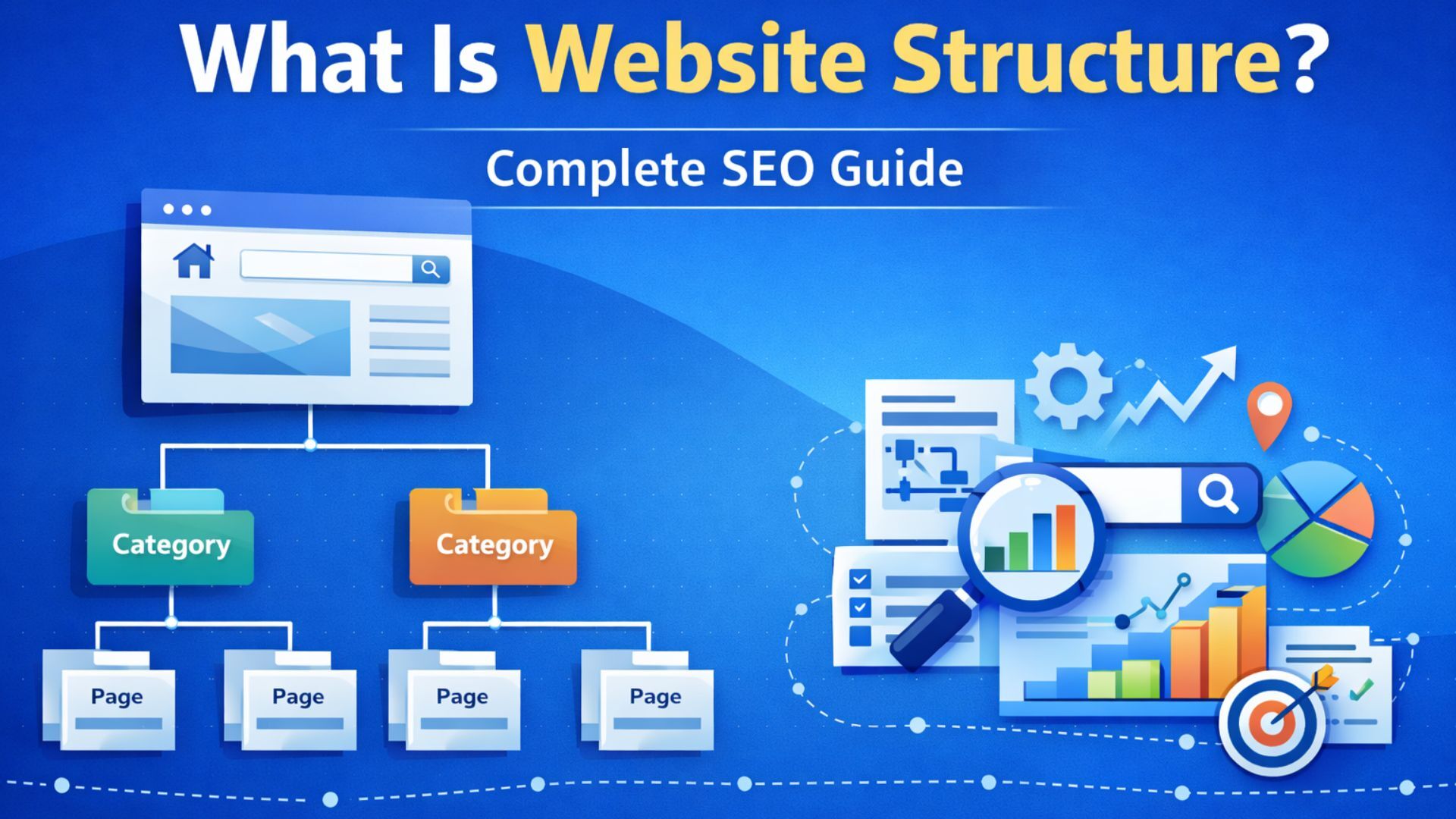
Website structure refers to the organized arrangement of all pages, categories, and content elements within a website. It determines how pages relate to each other and how visitors and search engines move through the site.
This structure typically follows a hierarchical format that begins with the homepage at the top and branches into categories, subcategories, and individual pages. The hierarchy allows both users and search engines to understand which topics are primary and which pages provide supporting information.
Two important components define website structure:
Internal Linking
Internal links connect different pages within the same website. These links guide visitors to related content and allow search engine crawlers to discover additional pages. When internal links are implemented correctly, they distribute authority across the website and strengthen topic relevance.
URL Organization
URLs reflect the structure of the website. A well-organized URL hierarchy mirrors the content layout and provides clarity about the location of a page within the website.
For example:
example.com/learning/grammar/verb-tenses
This URL indicates that the page belongs to the grammar section under the broader learning category.
Clear and structured URLs help search engines understand context while also making navigation easier for users.
Why Website Structure Matters for SEO and User Experience
Website structure influences both search engine visibility and visitor engagement. Without a logical structure, even high-quality content may remain difficult to find.
Improved Search Engine Crawling
Search engines rely on internal links to discover and index pages. If pages are well connected, crawlers can move efficiently through the website and understand how different topics relate to each other.
A structured site reduces crawl barriers and increases the likelihood that important pages will be indexed.
Better Content Hierarchy
Search engines analyze website hierarchy to determine which pages carry greater importance. When the structure clearly indicates the relationship between topics and subtopics, search engines can interpret the website’s content more accurately.
Easier Navigation for Visitors
Visitors expect to find information quickly. A structured website allows them to move logically from one section to another without confusion.
When navigation is simple and intuitive, users are more likely to spend time exploring the site and engaging with the content.
Reduced Bounce Rate
If users cannot locate information easily, they tend to leave the website quickly. Clear structure helps visitors find relevant pages faster, which improves engagement and reduces bounce rates.
Stronger Topical Authority
Grouping related pages under a common topic category allows websites to demonstrate expertise in specific subject areas. This approach helps establish authority and strengthens relevance in search results.
Types of Website Structure
Different websites require different structural approaches depending on their size, content volume, and purpose. Three commonly used structures are hierarchical, flat, and hybrid structures.
Hierarchical Structure
The hierarchical structure is one of the most widely used models for organizing websites. It follows a top-down arrangement where the homepage leads to main categories, which then lead to subcategories and individual pages.
How Hierarchical Structure Works
The homepage serves as the starting point. From there, visitors can access category pages that group content by topic. Each category may contain several subpages that address specific aspects of the topic.
For example:
Homepage → Category Page → Subcategory Page → Individual Content Page
This layered structure helps organize information logically and keeps related content grouped together.
Advantages of Hierarchical Structure
- Clear organization of information
- Easy navigation for users
- Logical grouping of related topics
- Improved understanding for search engines
Ideal Use Cases
Hierarchical structures are commonly used for content-rich websites such as blogs, educational platforms, and information portals.
Flat Structure
A flat structure focuses on keeping pages close to the homepage. In this approach, most pages can be accessed within one or two clicks.
How Flat Structure Works
The homepage links directly to a large number of pages without creating deep levels of hierarchy. This means visitors can quickly reach most pages without navigating through multiple categories.
Benefits of Flat Structure
- Faster access to important pages
- Efficient crawling for search engines
- Reduced navigation complexity
Limitations
Flat structures can become difficult to manage when a website contains a large amount of content. Without categories, information may appear disorganized.
Ideal Use Cases
Flat structures work best for small websites with limited pages, such as portfolio sites or simple informational websites.
Hybrid Structure
Most modern websites combine elements of hierarchical and flat structures. This approach is known as a hybrid structure.
How Hybrid Structure Works
The homepage links to major categories, maintaining a hierarchical structure. At the same time, important pages may receive direct links from the homepage to improve accessibility.
Within categories, pages link to related content to strengthen topic connections.
Advantages of Hybrid Structure
- Maintains organized categories
- Keeps important pages accessible
- Improves internal linking opportunities
- Supports large content libraries
Hybrid structures offer flexibility and are commonly used by large websites.
Designing a Strong Website Structure
Creating a well-structured website requires planning and careful organization. The process begins with identifying core topics and organizing content around them.
Step 1: Identify Core Topics
Every website focuses on specific subject areas. These primary topics should become the main categories of the website.
For example, an educational website may organize content into categories such as:
- Fundamentals
- Tutorials
- Practice Activities
- Advanced Concepts
These categories form the foundation of the site structure.
Step 2: Organize Content into Topic Groups
Once main topics are defined, related articles or pages should be grouped under them. Each category should contain content that expands on the central topic.
This organization creates logical content clusters that strengthen subject relevance.
Step 3: Create Clear URL Paths
URLs should reflect the structure of the website. A descriptive URL provides context and improves readability.
Example of a structured URL:
example.com/tutorials/basic-concepts
Short and meaningful URLs make it easier for users and search engines to interpret the content.
Step 4: Build Strategic Internal Links
Internal links connect related pages and create pathways through the website. These links help distribute authority and guide users toward additional information.
For instance, an article explaining a concept may link to:
- Detailed tutorials
- Related examples
- Supporting guides
These connections create a network of content that improves overall navigation.
Step 5: Maintain Consistent Navigation
Navigation menus should display the main categories of the website. Visitors should be able to move between sections easily without needing to search extensively.
A clear navigation menu improves usability and helps users understand the layout of the website.
Pillar Pages and Topic Clusters
A modern approach to website structure involves organizing content into pillar pages and topic clusters.
Pillar Pages
A pillar page is a comprehensive resource that covers a broad topic in detail. It provides an overview of the subject and links to more detailed pages that expand on specific aspects.
Cluster Pages
Cluster pages focus on individual subtopics related to the pillar page. These pages link back to the pillar page while also linking to other related cluster pages.
This interconnected structure strengthens topic relevance and signals expertise.
For example:
Pillar Page: Complete Guide to Website Optimization Cluster Pages:
- Internal Linking Techniques
- Page Speed Improvements
- Mobile Optimization
- Navigation Design
The pillar page connects the entire cluster and serves as the central resource.
Technical Factors That Support Website Structure
Beyond content organization and internal linking, several technical elements influence how well a website structure performs.
XML Sitemap
An XML sitemap lists all important pages on a website and helps search engines locate them. It acts as a reference guide that supports crawling and indexing.
Page Speed
Fast loading times are essential for maintaining user engagement. Even a well-structured site can lose visitors if pages take too long to load.
Optimizing images, reducing unnecessary scripts, and improving server performance can help maintain speed.
Mobile Optimization
With a large portion of internet usage occurring on mobile devices, websites must function smoothly on smaller screens. Responsive design ensures the structure remains accessible across different devices.
Canonical Tags
Canonical tags help prevent duplicate content issues by indicating the preferred version of a page. This ensures that search engines focus on the correct URL when indexing similar pages.
Common Website Structure Mistakes
Even well-designed websites can develop structural issues over time. Recognizing common mistakes helps maintain efficiency and usability.
Orphan Pages
Orphan pages are pages that have no internal links pointing to them. Because search engines rely on links to discover content, these pages may remain unindexed.
Regular site audits help identify and fix orphan pages.
Excessive Link Placement
Adding too many links within a single page can overwhelm users and dilute the value of each link. Internal links should be used strategically and placed where they provide meaningful navigation.
Deep Page Levels
Pages buried several levels deep in the hierarchy may receive less visibility from both users and search engines. Important content should remain within a few clicks from the homepage.
Poor URL Organization
Long, confusing URLs with unnecessary parameters make navigation difficult and reduce clarity. Structured URLs improve readability and context.
Structuring Content Around User Intent
Website structure should always reflect how visitors search for information. Organizing pages around user intent ensures the site meets the needs of its audience.
Users generally search for information in several ways:
- Learning a concept
- Solving a problem
- Comparing options
- Accessing detailed guidance
By structuring content to address these intentions, websites can provide clear pathways from general information to detailed resources.
Maintaining and Improving Website Structure
Website structure should evolve as new content is added. Regular audits help ensure the structure remains logical and efficient.
Maintenance tasks include:
- Updating internal links when new content is published
- Removing outdated or redundant pages
- Adjusting categories as topics expand
- Monitoring crawl errors and indexing issues
Continuous improvement ensures the structure remains aligned with the website’s goals and content strategy.
Conclusion
Website structure is the underlying framework that supports every aspect of a website’s performance. It determines how information is organized, how users navigate content, and how search engines interpret relationships between pages.
A strong structure improves discoverability, enhances user experience, and strengthens topic authority. By organizing content into logical categories, implementing strategic internal links, and maintaining clear navigation, websites create an environment where information flows naturally.
As websites grow and evolve, maintaining a clear structure becomes increasingly important. Investing time in designing and refining this framework ensures that valuable content remains accessible, searchable, and effective in achieving long-term digital success.

