
Screen Mirroring Apps for Smart TV, Chromecast & Fire Stick
Compare popular screen mirroring apps for Android and smart TVs. See features, pros, cons, device support, and use cases to choose the right app.
December 19, 2025
10 min read
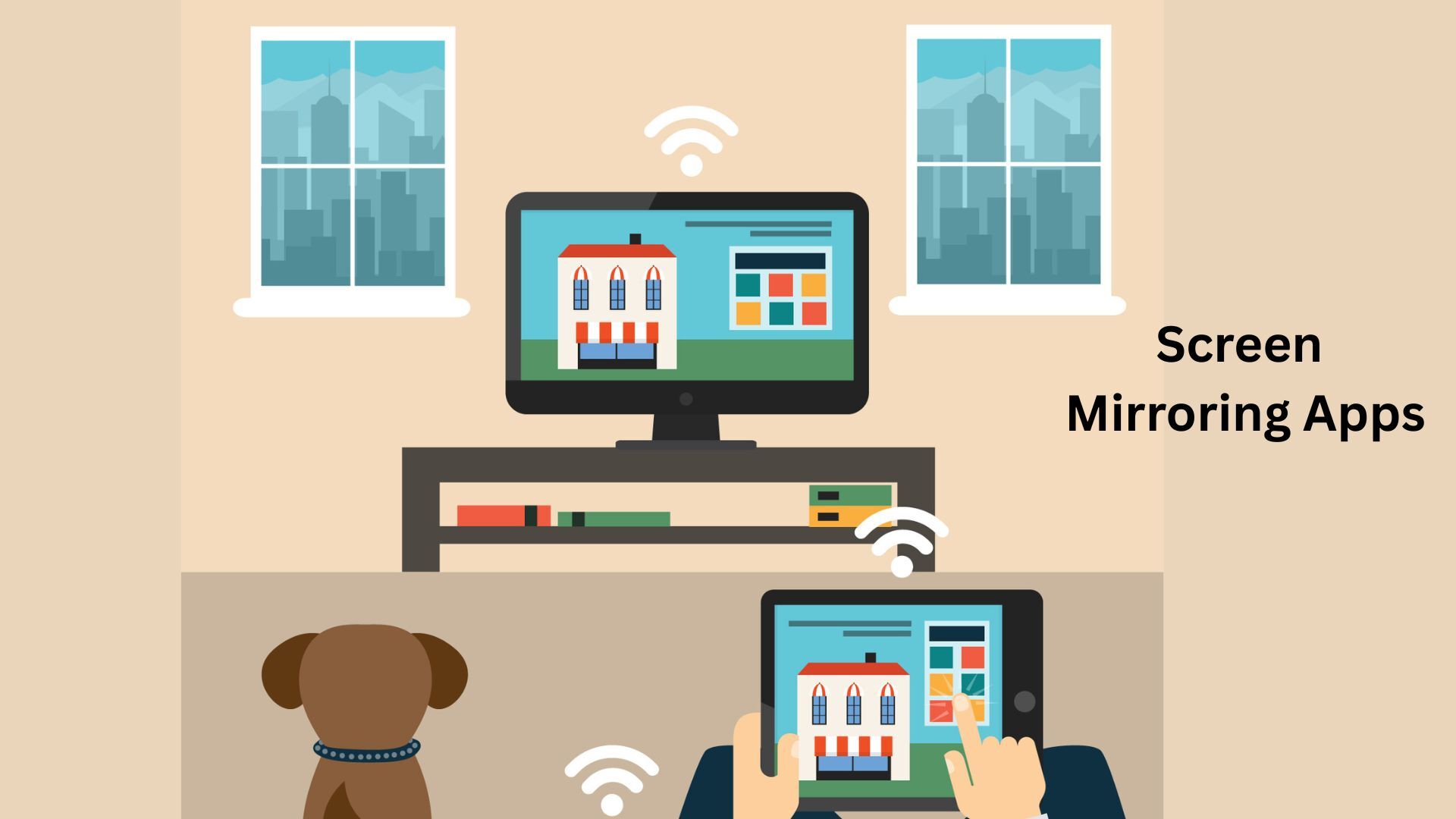
Small phone screens aren’t built for movie nights, family photo slideshows, or quick office demos. Screen mirroring apps solve that by letting you cast videos, apps, games, and presentations from your phone to a bigger display wirelessly.
In this roundup, we’ve shortlisted popular screen mirroring and casting apps based on ratings, downloads, device support, and real-world usefulness.
🔍 Finding the Right Screen Mirroring App: Where Do You Start?
With many “cast to TV” apps in the Play Store, the right pick depends on what you need:
📡 Protocol Support (Chromecast, Miracast, AirPlay, DLNA) 📺 Device Compatibility (Samsung/LG/Sony/Android TV/Fire TV/Roku) ⚡ Low-latency performance (gaming + real-time mirroring) 🎞️ Media casting (web videos, local files, IPTV, subtitles) 🔐 Privacy & local network safety (no cloud upload, encrypted transfer) 🧰 Extras (remote control, built-in browser, recording, file sharing)
Detailed Reviews of Top Screen Mirroring Apps
| App | Rating | Downloads | Package ID |
|---|---|---|---|
| Screen Mirroring - Miracast | 4.4 | 10M+ | screen.mirroring.screenmirroring |
| AirScreen - AirPlay & Cast | 3.3 | 10M+ | com.ionitech.airscreen |
| Cast to TV for Chromecast | 4 | 10M+ | com.casttv.castforchromecast.screencast |
| Screen Mirroring Cast to TV | 4.6 | 10M+ | com.soomapps.screenmirroring |
| Cast to TV & Screen Mirroring | 4.3 | 10M+ | com.casttotv.screenmirroring.smarttv.castvideo |
| Screen Mirroring - Cast to TV | 4.4 | 10M+ | com.microapps.screenmirroring |
| Cast to TV+ Chromecast Roku TV | 4.3 | 10M+ | com.castify |
| Cast to TV, Chromcast & Roku | 4.6 | 10M+ | cast.video.screenmirroring.casttotv |
| Screen Mirroring & Sharing | 4.6 | 10M+ | com.screenmirrorapp |
| Cast Screen on TV--1001 TVs | 4.2 | 1M+ | com.nero.swiftlink.mirror.tv |
Screen Mirroring - Miracast
Cast and mirror your phone screen to smart TVs for videos, photos, documents, and presentations.
- Rating: 4.4
- Downloads: 10M+
- Package ID: screen.mirroring.screenmirroring
This app allows users to mirror their Android phone screen or cast media directly to smart TVs and streaming devices over Wi-Fi. It supports photos, videos, music, documents, and presentations, making it suitable for home entertainment and basic office demos. Setup is simple but depends on Miracast or compatible TV protocols.
Why picked: Practical cast + mirror utility for everyday TV viewing, photo sharing, and quick meeting presentations without complex setup
Best for:
- Families casting movies and photos
- users needing quick Miracast-style screen sharing
- and people doing occasional phone-based presentations
Key features:
- Screen mirroring and media casting
- support for Chromecast
- Fire TV
- Roku
- and DLNA
- photos/videos/music/documents sharing
- quick connect interface
Pros:
- Works with many smart TVs and streaming devices
- simple one-tap mirroring
- supports photos
- videos
- music
- and documents
Cons:
- Requires same Wi-Fi for phone and TV
- Miracast compatibility varies by device
- VPN can block device detection
Things to keep in mind: Phone and TV must be on the same Wi-Fi network; Miracast support varies by device; VPNs can prevent TV detection
AirScreen - AirPlay & Cast
Turn your TV into a wireless receiver for AirPlay, Cast, and DLNA streaming across devices.
- Rating: 3.3
- Downloads: 10M+
- Package ID: com.ionitech.airscreen
AirScreen turns your TV or Android device into a wireless receiver supporting AirPlay, Chromecast, and DLNA. It works well in mixed-device environments where users stream content from iPhones, Android phones, laptops, or tablets. Additional features like screen recording and encrypted connections improve usability and security.
Why picked: Strong receiver-style app offering broad protocol support (AirPlay, Cast, DLNA) across mixed device ecosystems
Best for:
- Mixed-device households using Android
- iPhone
- Windows
- or macOS who need AirPlay-style casting on a shared TV
Key features:
- AirPlay
- Cast
- and DLNA receiver support
- works across iOS/Android/Windows/macOS
- screen recording
- encrypted wireless transfer
- background mode
Pros:
- Broad protocol support across platforms
- works with iOS and Android devices
- includes screen recording and encryption
Cons:
- Experience varies by TV and receiver device
- limited Miracast support on Android
- some features require premium access
Things to keep in mind: Performance depends on receiver device compatibility; Miracast support is limited on newer Android versions
Cast to TV for Chromecast
Quickly mirror your screen and cast media to Chromecast and compatible smart TVs.
- Rating: 4
- Downloads: 10M+
- Package ID: com.casttv.castforchromecast.screencast
Designed mainly for Chromecast users, this app enables quick screen mirroring and media casting from Android devices. It works with videos, apps, photos, and presentations and supports many smart TVs and streaming sticks. Performance largely depends on Wi-Fi quality and network stability.
Why picked: Chromecast-focused app that also supports common smart TV ecosystems for fast screen sharing and presentations
Best for:
- Chromecast users who want fast screen mirroring and media casting for meetings
- home viewing
- or web videos
Key features:
- Screen mirroring plus TV casting
- Chromecast and smart TV support
- web video casting
- local media streaming
- fast Wi-Fi pairing
Pros:
- Quick setup
- reliable Chromecast support
- suitable for videos
- apps
- and presentations
Cons:
- Mirroring quality depends on Wi-Fi strength
- latency may appear during gaming
- not an official Google app
Things to keep in mind: Mirroring quality depends heavily on Wi-Fi strength; latency may appear during gaming or real-time use
Screen Mirroring Cast to TV
Simple Miracast-based app for duplicating your phone screen on a larger display.
- Rating: 4.6
- Downloads: 10M+
- Package ID: com.soomapps.screenmirroring
A straightforward Miracast-based app that mirrors your phone display onto a TV without complicated settings. It is commonly used for sharing photos, watching videos, or viewing apps on a bigger screen. Device compatibility varies depending on Android version and TV support.
Why picked: Simple Miracast-based app designed for quick phone-to-TV screen duplication
Best for:
- Users with Miracast-enabled TVs looking for simple phone-to-TV screen duplication without extra features
Key features:
- Miracast-based wireless display
- phone-to-TV screen duplication
- suitable for games
- photos
- videos
- and presentations
Pros:
- Very easy to use
- good for photos
- games
- and videos
- strong big-screen viewing experience
Cons:
- Fully dependent on Miracast support
- wireless display settings differ across Android brands
- performance varies by TV
Things to keep in mind: Requires Miracast or wireless display to be enabled on both phone and TV; settings may differ by Android brand
Cast to TV & Screen Mirroring
Easy-to-use app for switching between screen mirroring and media casting on TVs.
- Rating: 4.3
- Downloads: 10M+
- Package ID: com.casttotv.screenmirroring.smarttv.castvideo
This app combines basic screen mirroring with media casting for common smart TV platforms like Chromecast, Roku, and Fire TV. It is suited for everyday home use, such as streaming videos or sharing content quickly. Playback controls are available directly from the phone.
Why picked: Living-room-friendly casting tool built for fast sharing across multiple TV and streaming devices
Best for:
- Homes with multiple TV devices where users switch between casting media and full screen mirroring
Key features:
- Screen mirroring and media casting
- Chromecast/Roku/Fire TV/Xbox compatibility
- playback controls
- local network pairing
Pros:
- Wide device compatibility
- easy playback control from phone
- suitable for casual casting and mirroring
Cons:
- Mirroring may lag on weak networks
- compatibility depends on TV protocol support
- quality drops with network congestion
Things to keep in mind: Network congestion can cause lag; mirroring is more sensitive than basic video casting
Screen Mirroring - Cast to TV
Advanced screen mirroring tool with extra controls and built-in media playback.
- Rating: 4.4
- Downloads: 10M+
- Package ID: com.microapps.screenmirroring
A more advanced mirroring solution that includes screen tuning options, profiles, and a built-in media player. It is useful for users who mirror screens frequently for work or extended viewing sessions. Some features depend on device hardware and supported protocols.
Why picked: Feature-rich mirroring solution with tuning controls and profiles for users who mirror screens frequently
Best for:
- Power users who mirror frequently and want extra control over resolution
- profiles
- and mirroring behavior
Key features:
- Screen and audio mirroring (device dependent)
- built-in media player
- resolution and density controls
- custom profiles support
Pros:
- Advanced mirroring controls
- built-in media player
- useful for frequent or work-related mirroring
Cons:
- Advanced settings can confuse beginners
- some features not supported on all devices
- mirroring reliability varies
Things to keep in mind: Advanced settings may feel complex for beginners; not all devices support audio or display controls
Cast to TV+ Chromecast Roku TV
Web video and local media casting app with subtitle and IPTV support.
- Rating: 4.3
- Downloads: 10M+
- Package ID: com.castify
Castify focuses on web-video casting and local media streaming across multiple TV platforms. It includes tools like subtitles, IPTV list support, picture-in-picture mode, and bookmarks. The app is popular among users who frequently cast content from websites rather than local apps.
Why picked: Toolbox-style casting app ideal for web videos, local media, subtitles, and IPTV streaming
Best for:
- Users who cast web videos often and want subtitles
- IPTV lists
- and local media support in one app
Key features:
- Web video casting with built-in browser
- local file casting
- Chromecast/Roku/Fire TV/DLNA support
- subtitles
- IPTV (M3U)
- PiP mode
Pros:
- Web video casting with browser
- supports subtitles and IPTV
- works with many TV platforms
Cons:
- Web casting fails on unsupported formats
- ads in free version
- some receivers have format limitations
Things to keep in mind: Web casting success depends on source format; free version may show ads
Cast to TV, Chromcast & Roku
Feature-rich casting app with playback controls for local and online media.
- Rating: 4.6
- Downloads: 10M+
- Package ID: cast.video.screenmirroring.casttotv
XCast offers a full-featured casting experience with playback queues, shuffle, repeat, and remote controls. It supports both online streaming and local media files while automatically discovering compatible devices. Ideal for users who want more control over their casting sessions.
Why picked: Control-focused casting app with playback queues, media discovery, and multi-receiver support
Best for:
- Users who want advanced playback controls and regularly stream both local files and online videos
Key features:
- Online and local media casting
- built-in browser
- playback queue with shuffle and repeat
- remote controls
- automatic device discovery
Pros:
- Strong playback controls
- supports local and online media
- wide receiver discovery
Cons:
- Streaming quality varies by device
- some formats may not play
- Apple TV casting has extra setup constraints
Things to keep in mind: Streaming quality varies by receiver support; some formats may not work on certain devices
Screen Mirroring & Sharing
Lightweight screen sharing solution for quick demos and presentations over Wi-Fi.
- Rating: 4.6
- Downloads: 10M+
- Package ID: com.screenmirrorapp
This app provides a lightweight way to share your phone screen over a local Wi-Fi network, often using browser-based receiving. It is commonly used for quick presentations, demos, or short screen-sharing needs. Audio support and performance vary by receiving device.
Why picked: Lightweight local-network screen sharing option suited for quick demos and presentations
Best for:
- Professionals and students needing quick screen sharing for demos or presentations via local Wi-Fi
Key features:
- Local network-based screen mirroring
- QR-based pairing
- browser-compatible receiving
- secure connection messaging
Pros:
- Lightweight setup
- browser-based receiving option
- useful for quick demos and presentations
Cons:
- TV browser limitations can block mirroring
- audio not guaranteed on all receivers
- noticeable delay on weak Wi-Fi
Things to keep in mind: TV browser limitations can affect mirroring; audio may not transmit on all receiving devices
Cast Screen on TV--1001 TVs
Cross-platform screen mirroring app with file sharing and presentation-friendly features.
- Rating: 4.2
- Downloads: 1M+
- Package ID: com.nero.swiftlink.mirror.tv
A cross-platform screen mirroring solution that works across phones, PCs, and TVs with companion apps. It includes tools like file sharing, display mode adjustments, and presentation-friendly options. Best suited for users who need regular mirroring across multiple device types.
Why picked: Robust cross-platform mirroring suite with added utilities like file sharing and presentation modes
Best for:
- Users who mirror screens from phones or laptops to TV regularly and need cross-platform support
Key features:
- Cross-platform screen mirroring
- audio-video sync support
- file sharing and TV file management
- multiple display modes
- auto-rotation
Pros:
- Cross-platform mirroring
- audio-video sync focus
- extra tools like file sharing and display modes
Cons:
- Requires app installation on both s
Things to keep in mind: Requires installing apps on both sender and TV; works best on a strong, stable local network

