
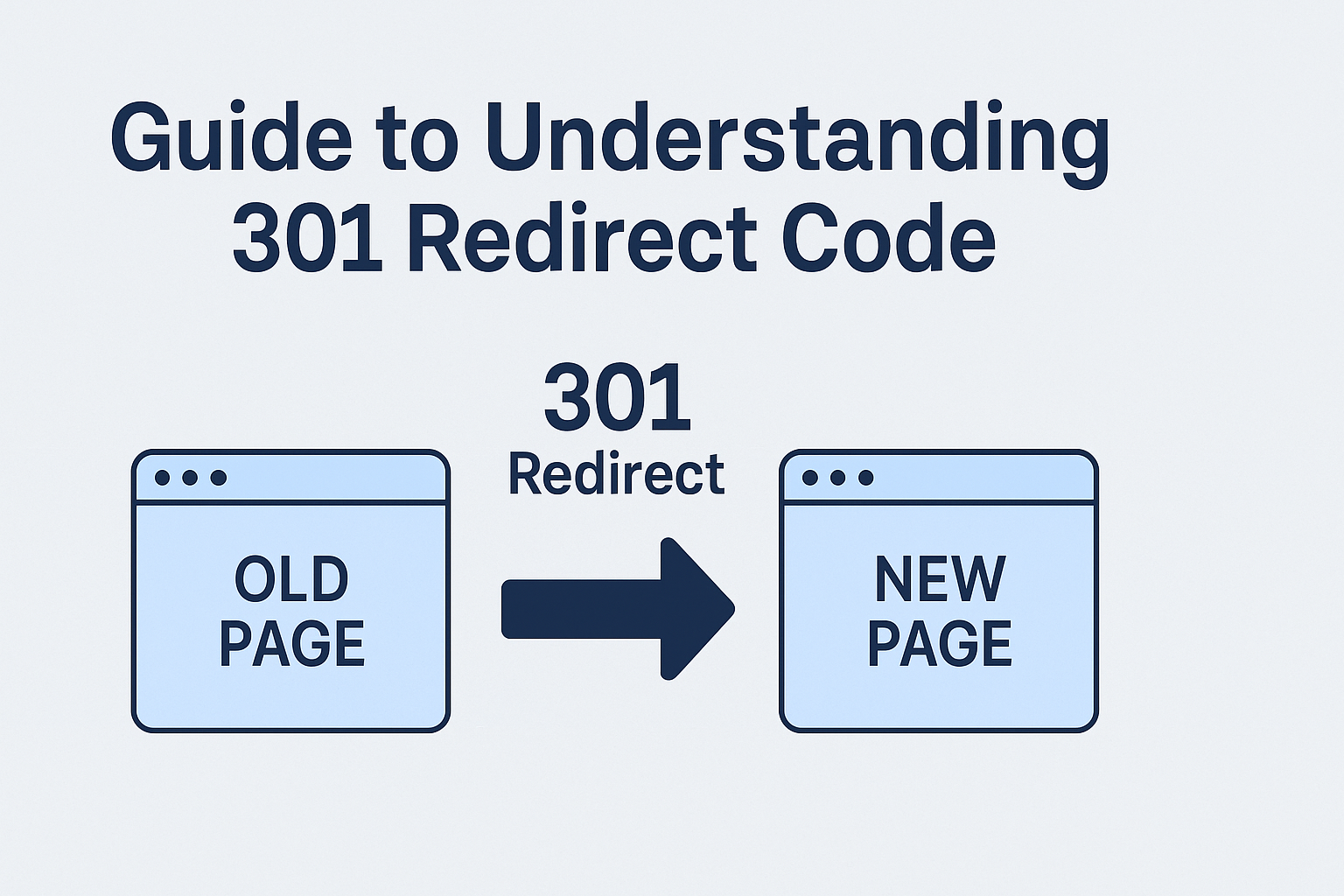
If you are moving your website from one URL to another, you need to implement the necessary steps so that your visitors get sent to the right place. This step is known as the 301 redirect. Let’s understand what a 301 status is and how you can implement it.
What is 301 Redirect?
A 301 redirect is a process to send users and search engines to a different URL from the one they originally requested. Also known as 301 permanent redirects, it permanently changes the direction of a URL. It acts as a digital relocation notice for websites, guaranteeing your site’s authority as well as your backlinks are preserved when transitioning to a new URL. This permanent redirection is indispensable for instances where pages undergo permanent replacement.
For example, in a scenario where a company is rebranding and shifts its website from www.oldbrand.com to www.newbrand.com, a 301 redirect ensures that visitors and search engines seamlessly reach the new site.
When to Use a 301 Redirect?
Here are some instances when you can use 301 redirects as a tool:
- Changing a URL: If you are revamping your website’s URL structure or optimizing poorly performing URLs, a 301 redirect is essential.
- Recreating a Piece of Content: When rebuilding content on a new page or altering templates, ensure a seamless transition by employing a simple 301 redirect from the old URL to the new one.
- Consolidating Several Pieces of Content: If you have overlapping or competing content, consolidate them into a single resource. Implement a 301 redirect from each old page to the new one, thereby maintaining search engine visibility.
- Migrating Content from One Domain to Another: During a domain change, employ page-to-page 301 redirects to preserve visibility. Ensure redirects are served from the original URL, even if the site structure changes.
- Migrating a Website During a Phased Web Launch: If launching your website in phases, create a phased redirect map. Use 301 redirects for launched pages and 302 redirects for upcoming phases to prevent 404 errors while avoiding confusion for search engines. Update redirects as each phase is launched.
How to Implement a 301 Redirect?
There are various ways in which you can use 301 moved permanently. However, the most common method is to edit your .htaccess file. You can find this file in your site’s root folder. If you cannot locate this file, you might not have a .htaccess file. In this case, you can create one using Notepad (Windows) or TextEdit (Mac) by generating a new document and saving it as .htaccess. Make sure you remove the standard .txt file extension.
Another reason you can’t find your .htaccess file can be that your site is not operating on an Apache web server. You need to recognize the different web servers, although the most preventive types are Apache, Windows/IIS, and Nginx. Remember that only Apache uses .htaccess. You can consult your web host to confirm what your website runs on.
Now, let’s check out some common codes for adding 301 redirects via .htaccess:
- Redirect Old Page To New Page
Redirect 301 / http://www.old-page.html.com /new-page.html
Replace the old-page and new-page with your redirect destination. If you are using WordPress, remove the need to edit the .htaccess file with a redirection plugin.
- Redirect Domain to Another Domain htaccess
RewriteEngine on
RewriteCond %{HTTP\_HOST} ^oldsite.com \[NC,OR\]
RewriteCond %{HTTP\_HOST} ^www.oldsite.com \[NC\]
RewriteRule ^(.\*)$ https://new site.com/$1 \[L,R=301, NC\]
Note that if you already have “RewriteEngine on” in your .htaccess file, do not add this command once again.
- Redirect the Entire Domain from Non-www to www (and vice versa)
From non-www to www version:
RewriteEngine on
RewriteCond %{HTTP\_HOST} ^example.com \[NC\]
RewriteRule ^(.\*)$ http://www.example.com/$1 \[L,R=301,NC\]
From www to non-www version:
RewriteEngine on
RewriteCond %{HTTP\_HOST} ^example.com \[NC\]
RewriteRule ^(.\*)$ http://example.com/$1 \[L,R=301,NC\]
The placement and order of code in your .htaccess file need to be in the right order for this to work.
- Redirect Entire Domain from HTTP to HTTPS
RewriteEngine on
RewriteCond %{HTTPS} off
RewriteRule ^(.\*)$ http://%{HTTP\_HOST}%{REQUEST\_URL} \[L,R=301\]
Note that you must have an SSL certificate installed on your website from this code to work. Otherwise, you will get a cautionary “Not secure” message.
- Redirect Entire Domain from Non-www to www and HTTP to HTTPS
RewriteEngine on
RewriteCond %{HTTP\_HOST} !^www\\. \[NC\]
RewriteRule ^ http://www.%{HTTP\_HOST}%{REQUEST\_URL} \[L,R=301\]
RewriteCond %{HTTP:X-Forwarded-Proto} !https
RewriteCond %{HTTPS} off
RewriteRule ^ http://.%{HTTP\_HOST}%{REQUEST\_URL} \[L,R=301\]
Impact of 301 Redirect on SEO
SEO professionals primarily consider the connection between 301 redirects and PageRank, Google’s formula assessing a page’s value based on link quality and quantity. While PageRank is one of many factors, a higher PageRank generally correlates with better rankings.
Before 2016, using 301 redirects resulted in some PageRank loss. However, Google updated its stance in 2016, stating that redirecting a page retains its original “power.” Consequently, redirecting domain.com/page1 to domain.com/page should maintain the redirected page’s authority, a significant benefit for enhancing organic traffic. Despite this positive impact, it’s essential to note that 301 redirects can introduce lesser-discussed SEO issues like chain effects, canonicalization challenges, and more.
How to Fix Existing 301 Status Codes on Your Website?
Follow the below process to fix existing 301 issues:
- Ensure the HTTP Version of Your Site Redirects to HTTPs
Every website should utilize HTTPS for enhanced security and SEO benefits. Google considers HTTPS as a ranking signal. To confirm proper implementation, check that your homepage begins with a “https://” and has a lock icon. Test the redirect by changing the URL to “http://” and it should automatically redirect to the HTTPS version.
Be cautious of issues like incomplete HTTPS implementation across all pages or potential redirects from HTTPS to HTTP. Additionally, if there are HTTP to HTTPS redirect warnings, address them by applying appropriate 301 redirects from the HTTP to HTTPS versions of affected pages, ensuring a seamless and secure browsing experience.
- Exclude Pages with 301 Status Codes from Your Sitemap
Sitemaps guide Google’s crawling and indexing process. Since pages with 301 status codes are technically nonexistent, they should not be included. If such redirect pages persist in your sitemap, Google may needlessly revisit them during recrawls, wasting valuable crawl budget. To identify and rectify this, find your sitemap URL, download all URLs, and use an HTTP status code checker to filter out pages with 301 permanent redirect codes.
- Rectify Broken Redirects
Broken redirects lead to dead pages, causing visitor frustration and search engine crawl abandonment. Identify and fix broken redirect errors using a code checker. You can either reinstate the dead page if accidentally deleted or remove the inlinks to the redirect URL for resolution.
- Fix Redirect Chains
Redirect chains involving multiple redirects between the initial and final URLs, negatively impact user experience and site speed. Google recommends redirecting directly to the final destination or keeping redirect chains limited to ideally no more than 3 and fewer than 5 redirects. Identify and fix redirect chains using an HTTP status code checker. Opt for a single 301 redirect or replace internal links with direct links for efficiency.
- Address Redirect Loops
For redirect loops where URLs create an infinite loop confuse search engines as well as users. You can either change the HTTP response code to 200 if the URL should not redirect or fix the final destination URL by removing the loop. Alternatively, you can remove or replace all inlinks to the redirecting URL.
- Redirect 404 Pages
Pages returning a 404 status are problematic when crawlable and have backlinks. Crawlable and linked 404 pages should be redirected to relevant content. Irrelevant redirects may be treated as soft 404s by Google. If no similar or relevant page exists, consider republishing content at the original URL for valuable pages. For pages without dofollow backlinks, reinstate the dead page, redirect it to a relevant page, or remove/replace internal links.
- Replace 302 Redirects and Meta Refresh Redirects with 301s[](/blog/popular-cloaking-practises-and-its-risks-and-merits-for-seo)
Avoid using 302 and meta refresh redirects for permanent redirections. Replace these with 301 to ensure SEO integrity. Ensure this replacement includes updating internal links to prevent user confusion.
- Examine Redirected 301 Pages that Receive Organic Traffic
Pages with 301 permanently moved status codes shouldn’t receive organic traffic as they should be deindexed. Check for “3XX pages receive organic traffic” errors or use an analysis tool to assess page-level organic traffic. Remove these pages from your sitemap and submit via Google Search Console.
- Look for “Bad” External 301s
Check for inappropriate external .htaccess 301 redirects, especially those leading to irrelevant or harmful content. Identify such redirects that seem unfitting, disregarding common ones like HTTP to HTTPS or subdomain changes. Remove internal links pointing to redirected pages in your CMS to maintain relevance and user trust.
What Are the 301 Mistakes You Should Avoid?
Now that you know how can implement 301 redirects and eliminate common errors, here are some steps to ensure you don’t make 301 errors:
- Mistake in Setting Up a 301 Redirect After Creating a New Page: Prioritize setting up a 301 redirect htaccess before migrating website content to maintain traffic and prevent SEO setbacks.
- Error in Setting Up a 302 Redirect Between Domain Versions: Ensure you use a 301 redirect for all variations of your brand’s domain to consolidate inbound link power and enhance search engine results.
- Redirecting to a Page With a Different Intent than the Destination Page: Make sure of accurate redirection by matching the page appropriately. By redirecting users to the correct destination, you can maintain SEO accuracy and enhance user satisfaction.
- Misuse of a 302 Redirect During Content Migration: Unless it is a temporary migration during website updates, favor a 301 redirect to sustain inbound links and search rankings during domain changes.
- Having Redirects Links to Outdated Content: Avoid a poor user experience by setting up redirects from older internal links to prevent delays or blank screens before transitioning to a new domain,
Conclusion
Thus, 301 redirects play a critical role in maintaining the health of your website. It signals to both users and search engines when your website content moves and changes, and makes sure your web presence evolves so that your visibility in search engines is preserved during any changes.

