
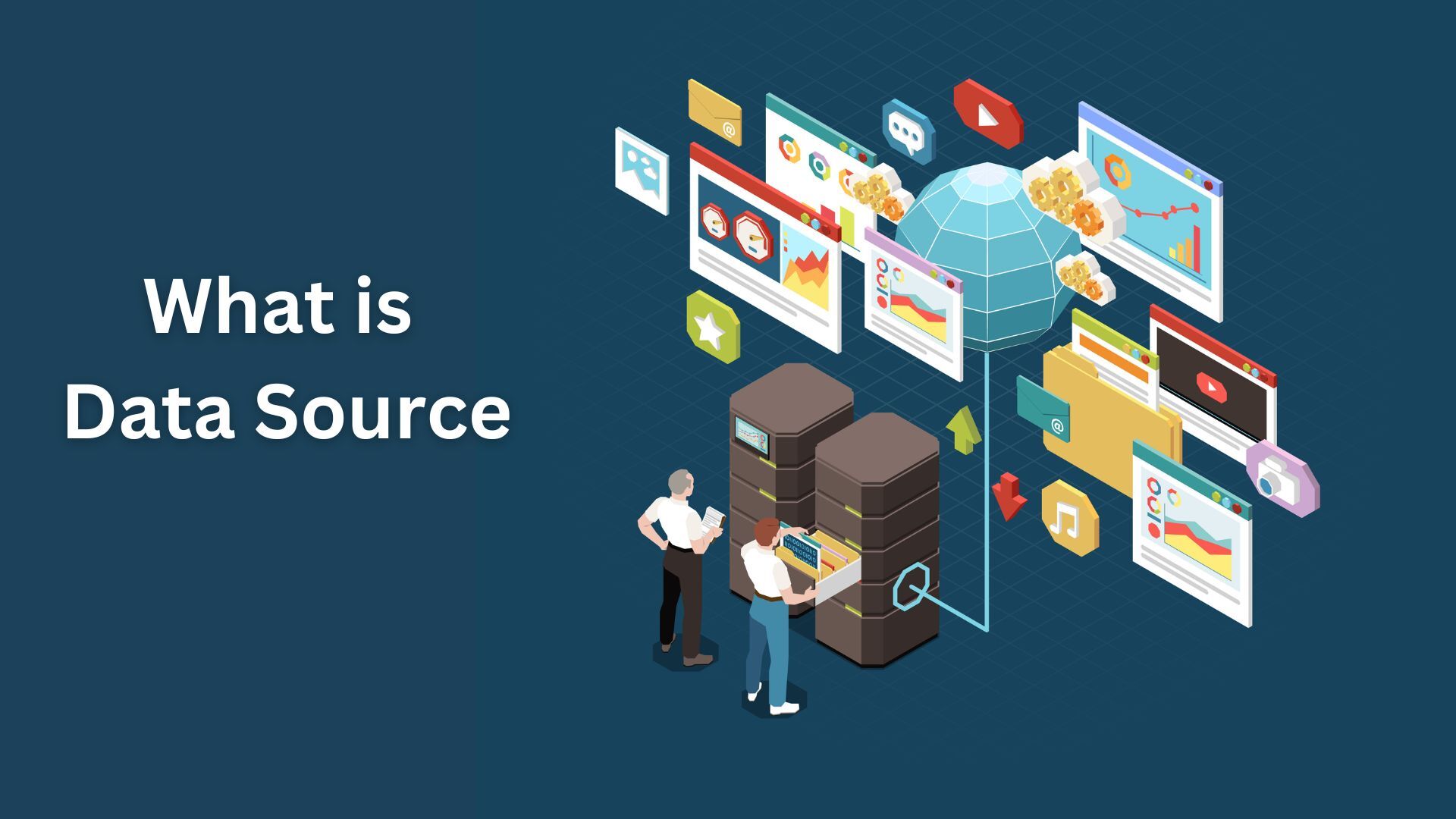
A data source is a location from where the data that is being used originates from. It may be the first location or system that stores and manages data, and it can take many forms. So let’s understand what data source means, its purpose, its types, and how it works.
Define Data Source
The data source definition is the physical or digital location where data is found. Data can be stored as a data object, data table, or another storage format and can be accessed by individuals for future use like data analysis, processing, or visualization.
You often deal with data sources when you need to perform any transformations with your data. Let’s take an example of a fashion brand selling products online. To display an out-of-stock item, the website gets information from its inventory database.
Here, the inventory tables work as the source of data which can be accessed by the web application that servers the website to customers.
What is the Difference Between Data Sources and Databases?
You may get confused between the terms data source and database. However, the concepts are different.
A data source is an entity that holds data. It can be a file, an application, a web service, or even a combination of these resources.
On the other hand, a database is essentially a structured collection of data that is typically stored electronically in a computer system. It is usually organized so that it can be accessed, managed, and updated whenever required.
A database is usually managed by a database management system (DBMS) which provides access to the data in the form of queries and reports. Customer relationship management (CRM) systems, online catalogs, and inventory systems are all examples of databases that can be used to retrieve data quickly and efficiently.
Moreover, databases are of different types and they serve different purposes. The two major types of databases are relational (SQL) and non-relational (NoSQL). The SQL database uses Structured Query Language for management and communication whereas the NoSQL database uses non-tabular structures. Therefore, a database can be a data source, however, a data source cannot be a database.
In this context, understanding what a data source name (DSN) is, is also important. A DSN can be defined within destination databases or applications as a pointer to the actual data. It is not necessarily the same as a relevant database name or file name. In fact, it is an address or label used to easily reach the data at its source.
What is the Purpose of a Data Source?
The primary data source purpose is to help users and applications connect to and move data to where it is required. It helps in collecting and providing all technical information required for the user, application, or machine to access the data.
This can include the name of a driver, a network address, or other connection information. With the help of data sources, users can avoid dealing with these technical details by themselves. It essentially helps package connection information in a more easily understood and user-friendly format.
All connection data is hidden securely inside a database. It is only used when you need to perform data manipulations with the data stored in the data source. To put it simply, when you need to copy, transfer, or connect the connection data to a particular platform or application.
Types of Data Sources
With the diversification of content, format, and data along with contributions from technologies like the Internet of Things (IoT) and big data, it is still possible to classify data sources into two major categories:
- Machine Data Source
Machine data sources are created on the client machine. It can be a computer, phone, or any other device and is available to users currently logged into the system. This source cannot be shared with other machines.
A machine data source provides all the information necessary to connect to data like relevant software drivers and a driver manager. However, users only need to refer to the data source name (DSN) as a shorthand to invoke the connection or query the data. The connection information is stored in environment variables, database configuration options, or a location internal to the machine or application being used.
This data source can be further categorized into user data sources (sources available only to a particular user) and system data sources (sources available to all the system users).
Machine data sources examples include system and application logs, network traffic logs, even data from IoT devices, and database query results, among others.
- File Data Source
File data sources are not assigned to particular machines, applications, systems, or users. These sources can be shared between different devices and are usually stored in separate text files. Unlike machine data sources, a file data source does not have a data source name (DSN).
A file data source is editable and you can copy it like any other computer file. This allows users and systems to share a common connection by moving the data source between individual machines or services. It also helps in streamlining the process of data connections. For instance, by keeping a source file on a shared resource, you can use it simultaneously by multiple users or applications.
Keep in mind that unshareable file data sources also exist. These files exist on a single machine and cannot be moved or copied. These files point directly to machine data sources and act as wrappers. They serve as a proxy for applications that expect only files but also need to connect to machine data.
Examples of file data sources include text documents, PDFs, spreadsheets, images, audio and video files.
How Do Data Sources Work?
Data sources help an organization to collect, store, and organize their data to the tools or any other destination from where they can use it. They also provide a reliable and efficient way to access data and most importantly, data sources help in obtaining data whenever it is needed.
Therefore, data sources act as a link between different tools, applications, and systems. It allows data to be migrated from one location to another or from one format to another. As a result, data sources also help integrate several systems more easily.
In order to understand how data sources function, let’s look at how data sources help in manipulating data:
- Data Model
A data source is a place where data is modeled. This means that data is organized in a logical structure. Therefore, a data model can be defined as a set of fundamental rules of how data is organized inside a data source.
A data model represents the relationship between various data elements and helps in consistently manipulating data. To properly use data, it should be available in a reliable or clear format for users or machines. Examples of data models are tables in a database or fields in a report.
The most common models are hierarchical, relational, unified modeling language (UML), entity-relationship, object-oriented, and dimensional data models.
- Data Source Connectors
Connectors help facilitate the flow of data between databases, applications, and analytics tools, among others. It makes it easier for organizations to access and analyze data swiftly. In simple words, connectors provide a unified platform that allows different applications to efficiently communicate, allowing organizations to make faster and better decisions.
For instance, the IT team can use Tableau for reporting and forecasting. Here, it uses connectors to connect to the data it needs, including the data contained in Excel files, cloud databases, or other sources.
- Copy and Share Data Sources
As previously identified, machine data sources are hard to manage and their capabilities are limited within one device, user, or system. On the contrary, file data sources are more eligible for different manipulations. For example, in most digital assets, the file data sources can be copied and shared with other devices or users.
The process of copying and sharing data sources can be done in numerous methods. Some can be sent via email, stored in cloud storage, or can be downloaded to a local computer. Another method is to export the data source as an Excel, CVS, or any other file format before sharing the file. Lastly, data sources can be shared by providing access to the source which can be a web page or a database.
Data can be transported with the aid of existing network protocols. File Transfer Protocol (FTP) and HyperText Transfer Protocol (HTTP) are the two network protocols widely used. Other protocols for fetching data between systems, especially on the web are REST, NFS, SOAP, SMB, and WebDAV.
Another process of moving data from sources to destinations is by using application Programming Interfaces (APIs) provided by websites, networked applications, and other services.
Data Source Examples
Let’s understand an example of data source using an e-commerce company. Suppose the company wants to enhance its growth strategy. The company needs to analyze operation data from its platform to data visualization tools like Power BI.
To achieve this, they can use the Power BI connector for their e-commerce system. This enables the process of seamless integration without the technical skills. This process also involves creating a data source within the e-commerce platform and configuring it by adding required tables and fields and customizing the data for reporting.
After the setup is complete, the company can export data in different formats like CSV, HTTP, or XML. However, if you want to integrate with other systems, the overall process can become complicated.
Conclusion
Thus, data is a valuable commodity in the modern world. It is used for making accurate decisions and developing new products and services. With the help of data sources, businesses can more effectively manipulate data and use it for different purposes within an organization or across different systems.

