
Google Play Screenshot Sizes, Guidelines for Android apps
An app screenshot is one of the critical preview assets to showcase the look and feel of the app to the app visitor. It has to instantly convey the app’s
August 19, 2025
5 min read
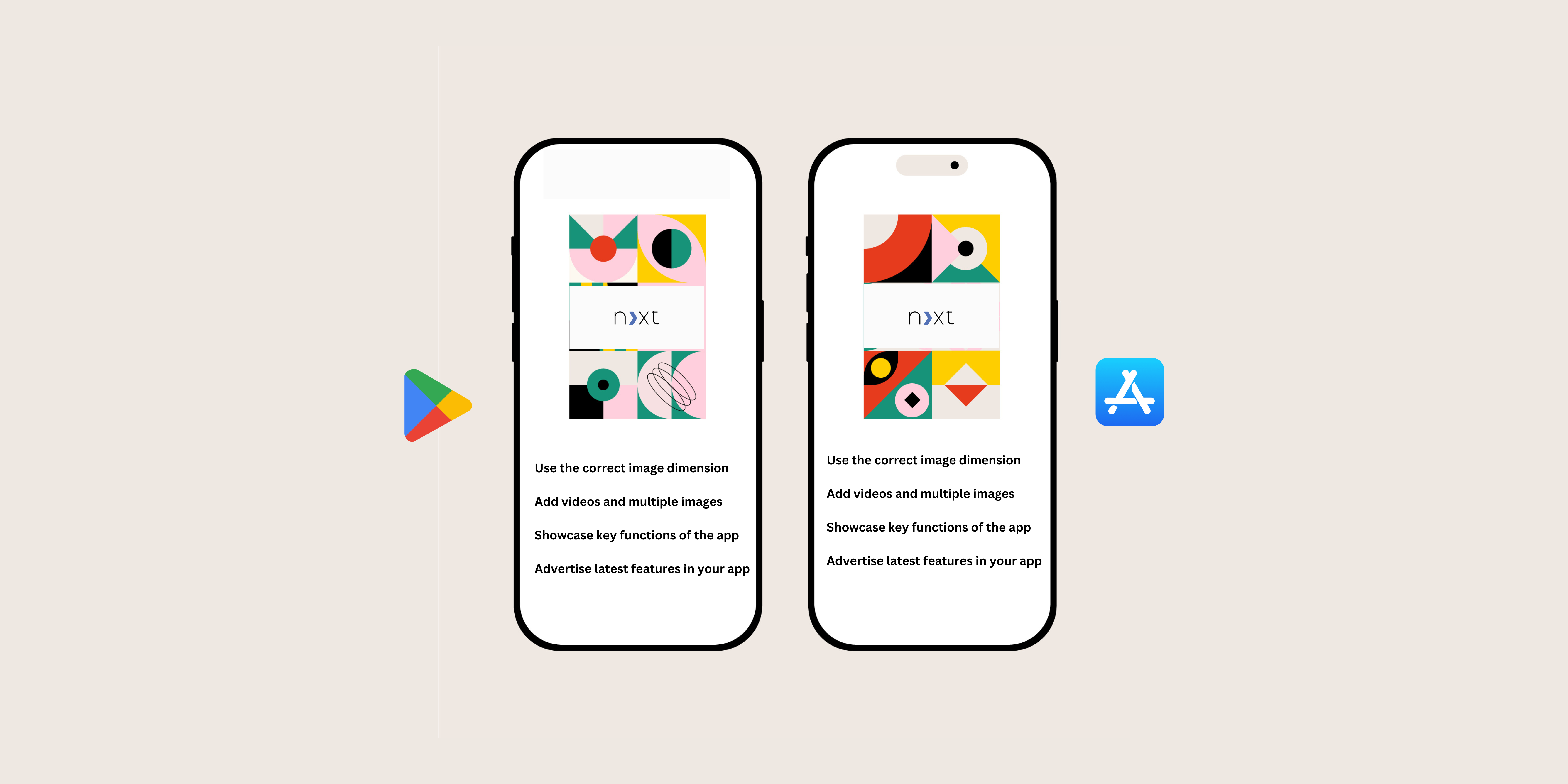
An app screenshot is one of the critical preview assets to showcase the look and feel of the app to the app visitor. It has to instantly convey the app’s benefits and how it differs from other apps in the market.
On average, the customer views your app’s listing for less than 10 seconds. So to make a perfect first impression, understand the screenshot guidelines and the likes and dislikes of the target audience.
Play Store Screenshot Size
The app’s screenshot is the second-best visual element that holds the user’s attention. By designing the ideal app screenshots, it becomes easier for the app to gain a high ranking in the app charts, improve app visibility, and stay ahead of the competitors.
Use the correct image dimension – It is paramount to ensure that the app screenshots are of the right size and dimension to avoid distorted images or confusing texts.
Add videos and multiple images – Google play allows eight slots for screenshots. You can try to include a preview video and screenshots to advertise the app’s unique features.
Showcase key functions of the app – Include the most visited screens in your app and the screenshots that set apart your app from the competitors. Place them as the first few screenshots to instantly evoke the interest of the potential user.
Advertise the latest features in your app – show off the latest features and do it regularly. This can entice new users and also plays a significant role in user retention.
Google Play Store Screenshot Sizes
- Make use of all eight slots for screenshots effectively.
- Arrange the screenshots in the order of importance.
- Screenshots should be self-explanatory with the right amount of images and text.
- Use the most popular app screens first.
- Choose the right screenshot size for the best visual effect across many mobile devices.
Screenshot Guidelines in google play store
As mentioned earlier, Google Play allows up to 8 screenshots and features the preview video as the first screenshot. The Google Play app screenshot guidelines are more lenient than the Apple app store.
Featured Mobile Games – a minimum of three landscape screenshots in a 16:9 ratio in the store listing is required for the games to be eligible for a featured spot.
Android App Screenshot Size – unlike the apple app store, the screenshot size requirements are in Google play. Google Play automatically adapts the screenshots to the size of the user’s devices. For great images on your app page, follow the below specifics. A minimum of 2 screenshots is required for your Store Listing to be published.
- JPEG or 24-bit PNG (no alpha)
- Minimum dimension: 320px
- Maximum dimension: 3840px
The screenshot’s max size dimension cannot be more than two times as long as the min size dimension. In addition to the app screenshot dimensions, the feature graphic in google play has to follow the below specifications.
- JPEG or 24-bit PNG (no alpha)
- Dimensions: 1024px by 500px
Having the correct screenshot dimensions is as important as designing a good one. They have to be eye-catchy and also of the right dimension. Creatively optimize the visual assets to increase the conversion rates. An ongoing App store optimization is essential to avoid losing users to your competitors.
Design and try multiple themes until you find the one that matches your app’s value and the target audience. The ideal screenshots give the user the best visual experience and effectively market your app’s highlights.
Additionally here’s our guide on android app store screenshot sizes .
About Us
NextGrowth Labs is an Mobile App Promotion Company. We build various tools. Interested in improving your app’s/website’s or video’s visibility? Contact us, and get a free audit. Just like the way you landed on this page, similarly, we can help plan content, which can help you get more visitors to your website, app or youtube channel.
Some of our more popular tools include (They are all free):

